
Browser
No account
Use sidequest.offware.io directly in your browser. No account needed, and your data stays in the browser on that device.
Ready to give it a try? Choose where you want to use Sidequest. You can switch between versions later, but your data won’t move between them automatically. To carry it over, use a backup file (see Saving and syncing your data).
No account
Use sidequest.offware.io directly in your browser. No account needed, and your data stays in the browser on that device.
Works offline
Install it from the web version. In a supported browser, open Options and choose Install Sidequest. It opens in its own window and works offline. On some phones, you’ll need to use your browser’s Add to Home Screen option instead. Open Sidequest once while you’re online before you need it offline.
Saved to your account
Build Sidequest as a Claude Artifact.
Saved to your account
Build Sidequest as a Muse space.
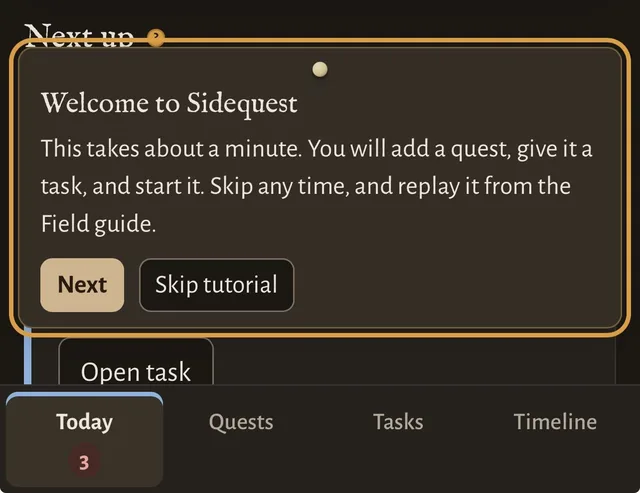
A short tutorial shows you how to add a quest, give it a task, and get started. Choose Play tutorial in the Welcome panel or the Field guide to run it. There are also a few sample quests to explore. When you’re ready to start with a clean slate, open Options and choose Start fresh.
Your data is saved in your browser on the device you’re using. Nothing is sent anywhere. There are a few things to keep in mind:
Your data is saved to your signed-in account and is available on any device using that same account. Claude and Muse don’t sync with each other, and neither can access data from the browser version.
To move your quests between versions, save a backup in one and restore it in the other.